Minimalist Modular Filament Label System
Overview
NackHabitat #0169 - Minimalist Modular Filament Label System
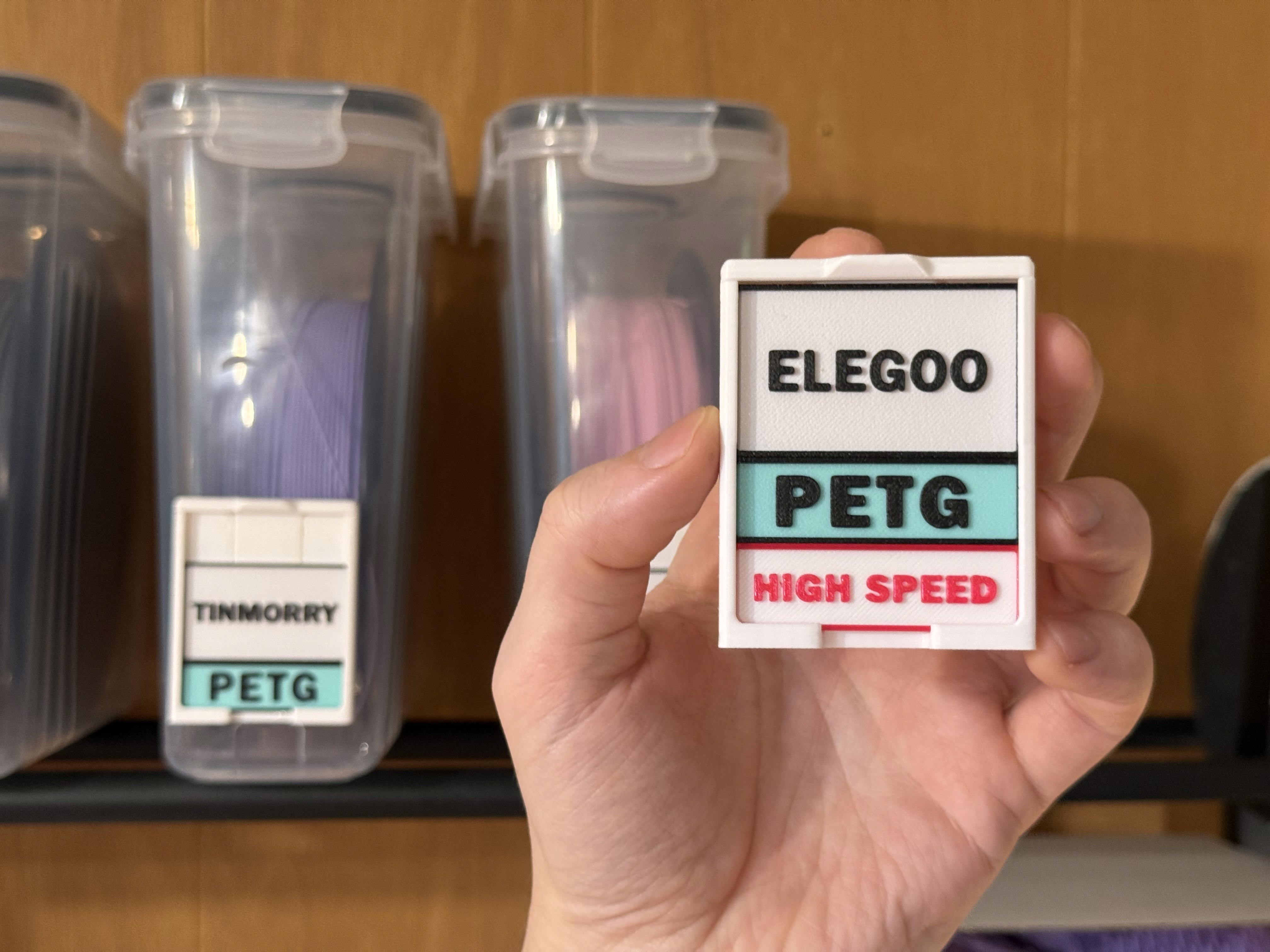
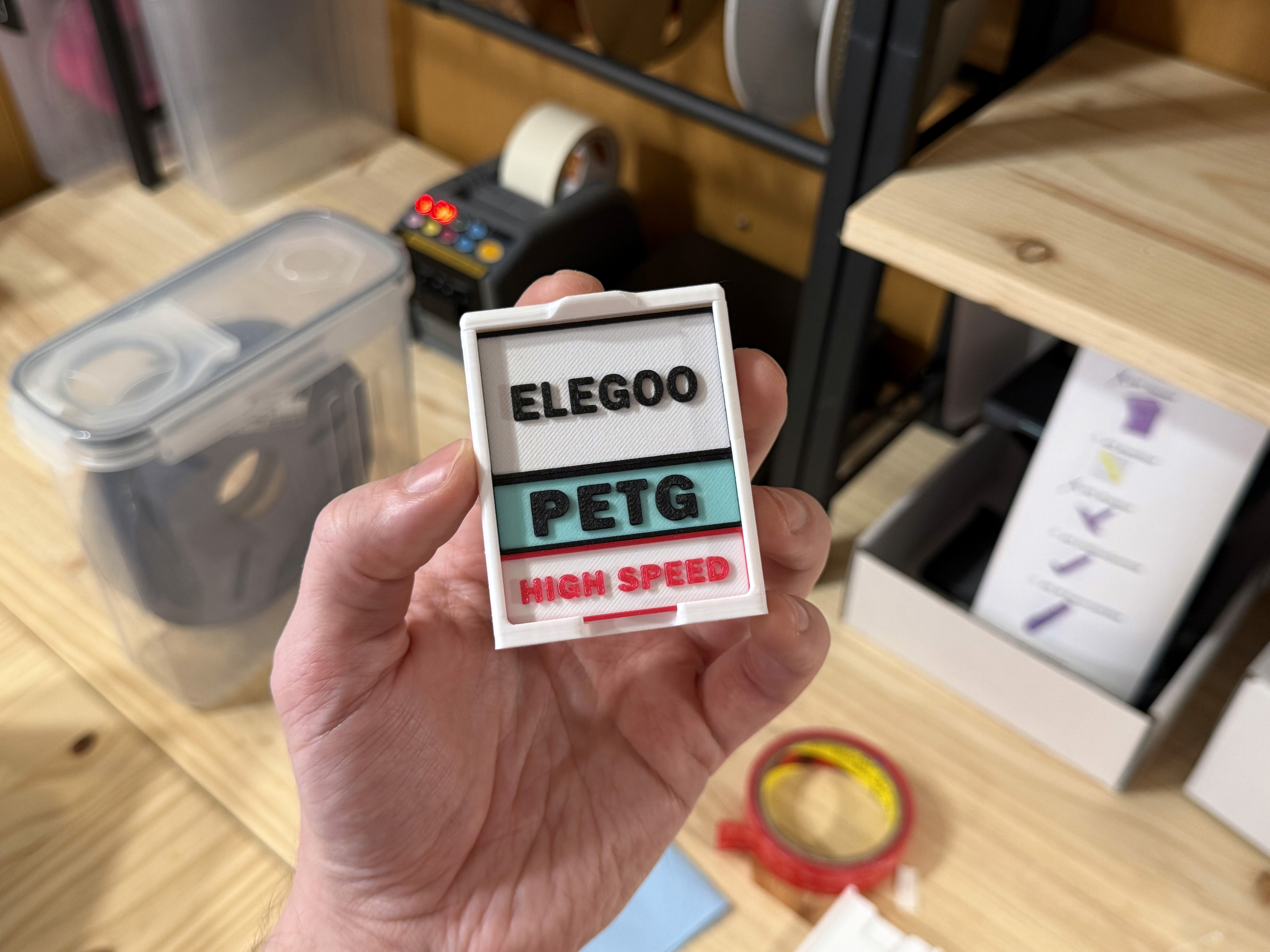
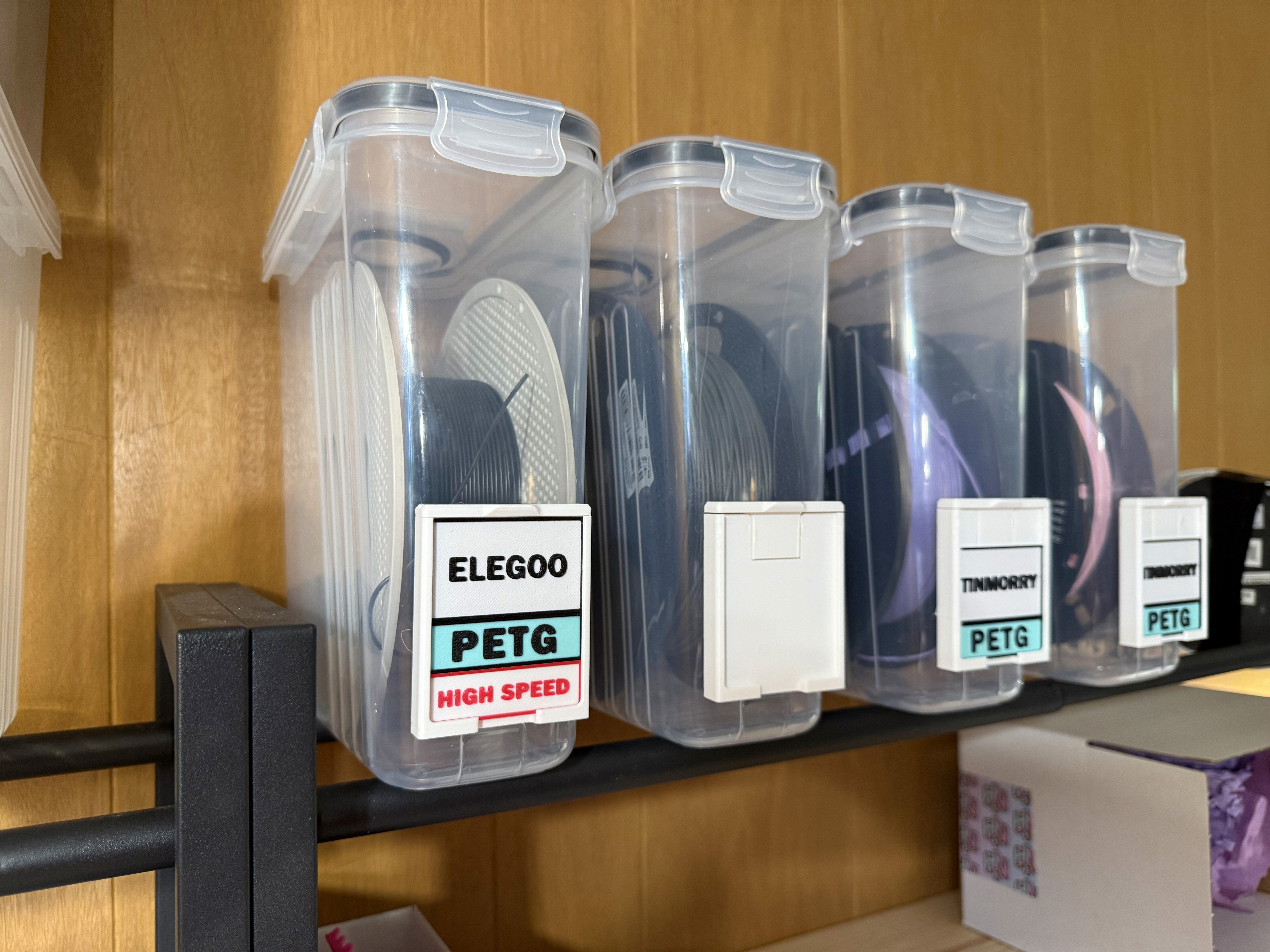
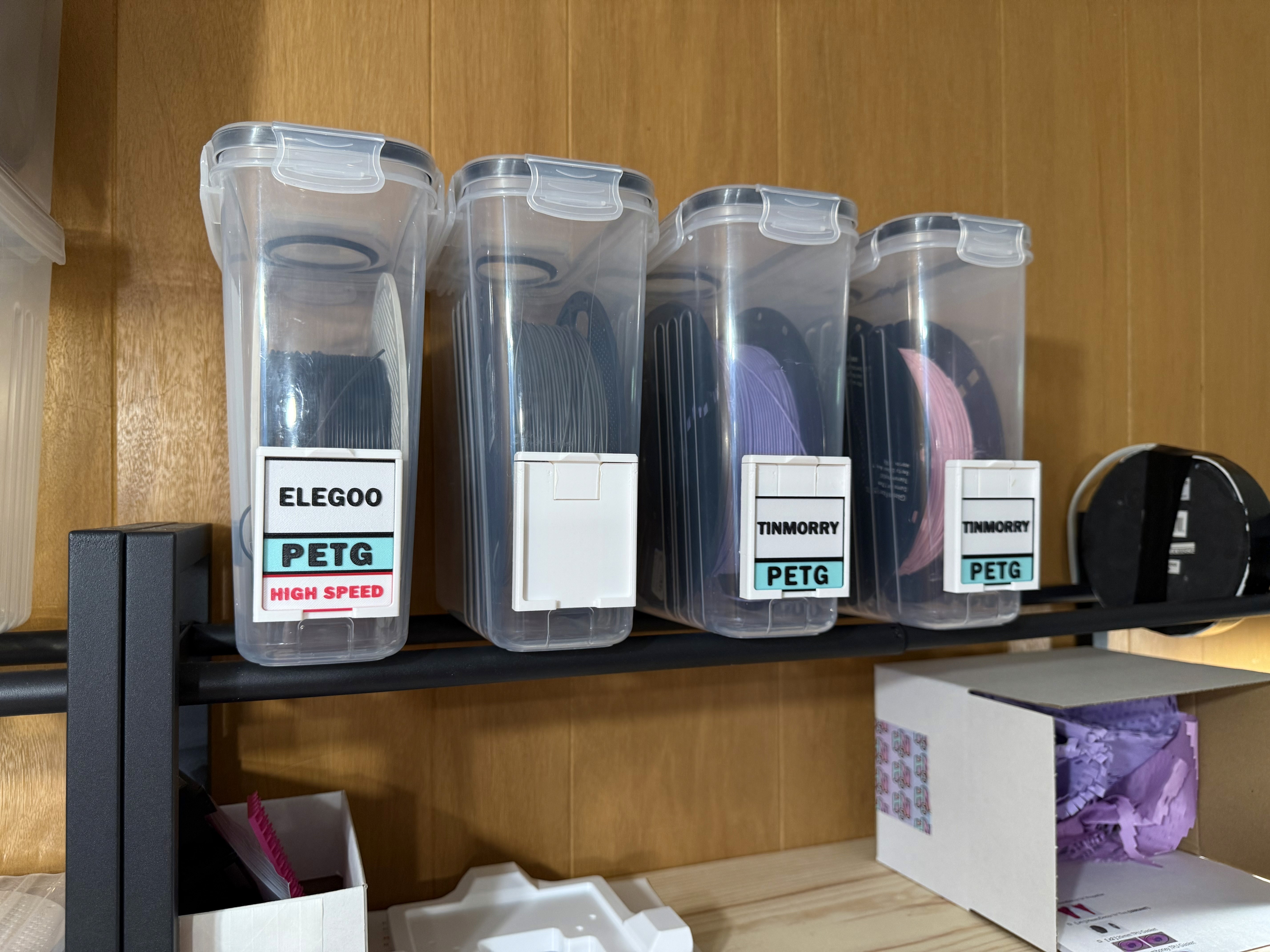
I wanted a simple and easy to use filament labelling system that was storage bin-agnostic. It needed to be easy to edit, color, and customize in Slicer to quickly get new labels out. I wanted labels that were large enough to read from a distance and still could use color to differentiate between filament types and finishes, without getting lost in creating labels that were color or model specific, resulting in waste. Manufacturer, Type, Finish, either in half or quarter sizes.
Tools
Double sided 3M Adhesive
Stack them how you want and easily swap it out if you put a different filament in it. There are honestly some gorgeous and highly functional label systems here already, but a lot of them get into printed swatches of the filament that's in the bin, or printing all the details on a single part, which I wasn't a fan of. If I get a new roll, I wanted to be able to grab labels I already have printed and ready, swap them in, and move on. Here is a quick rundown:
Part #1 - Filament Label Holder
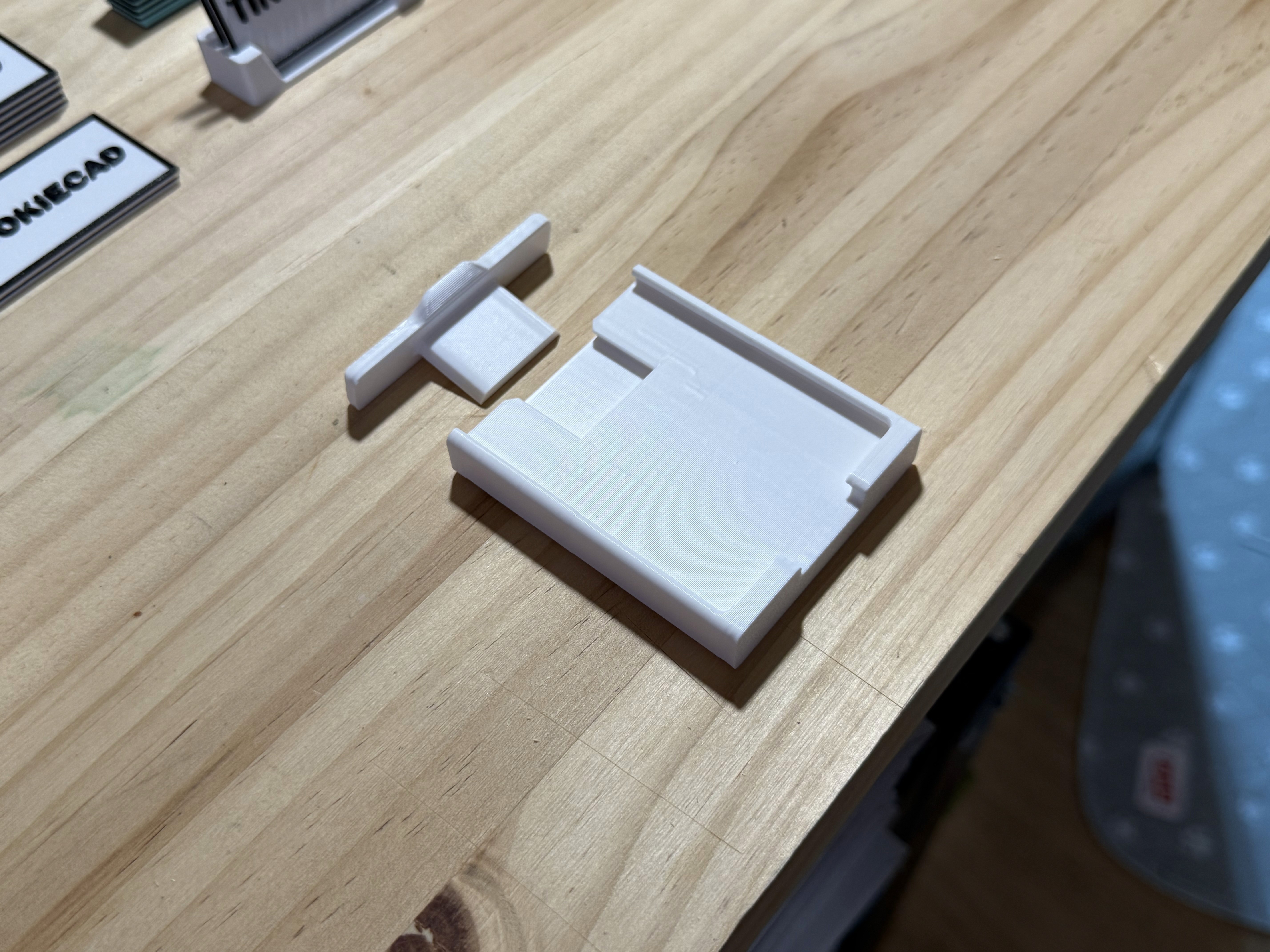
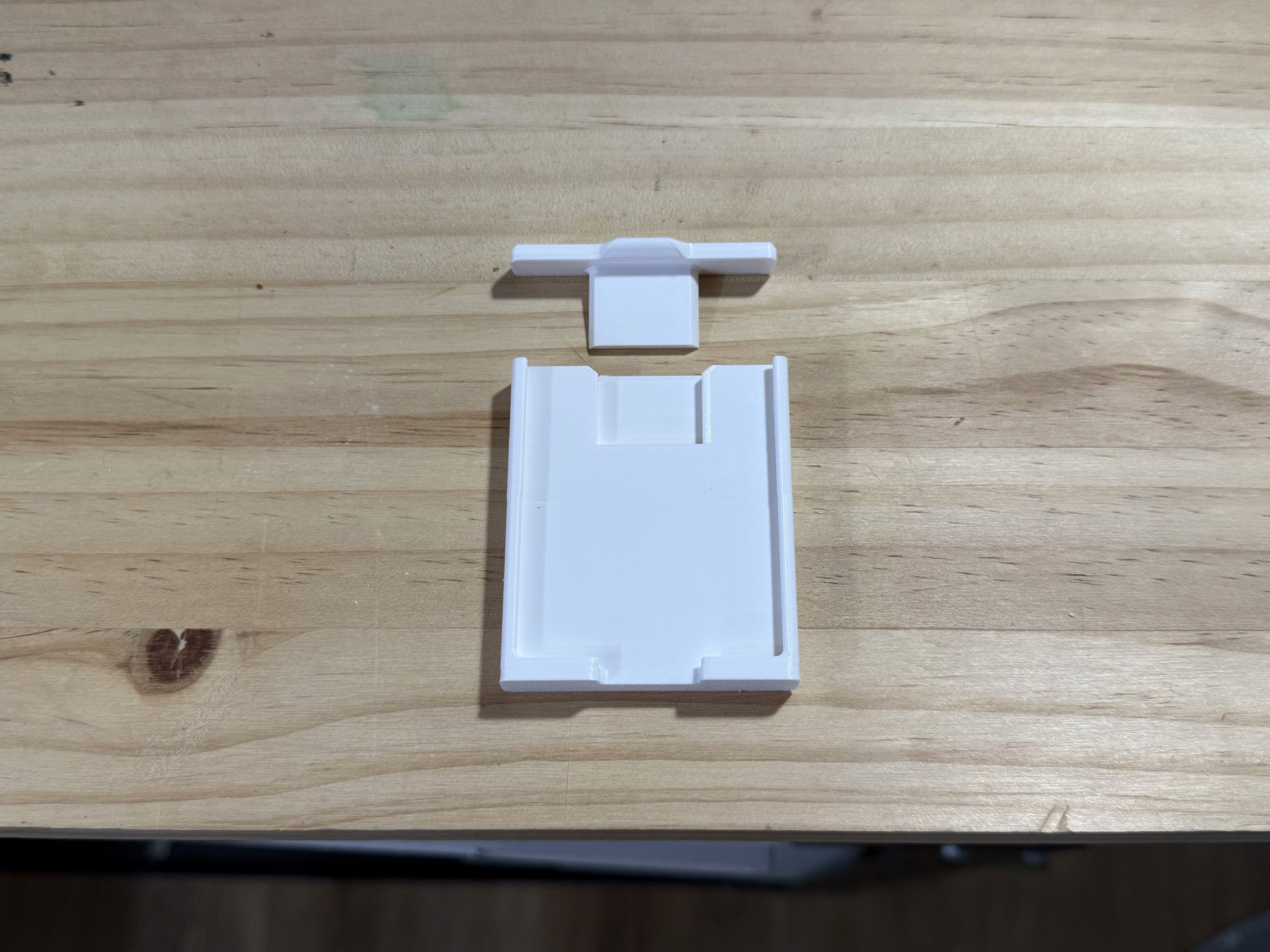
Broken into 2 parts, the holder itself and a dovetail cap that inserts from the top. I designed this with a looser of a fit so the cap wasn't so difficult to remove, but if it ends up being too loose, just add a piece of masking tape to one of the sides of the dovetail, and it adds just enough resistance. Use some double sided tape to stick it to whatever you wanted. Purposefully designed this without a curvature on the back so it was more universal.
Part #2 and #3 - Label Inserts
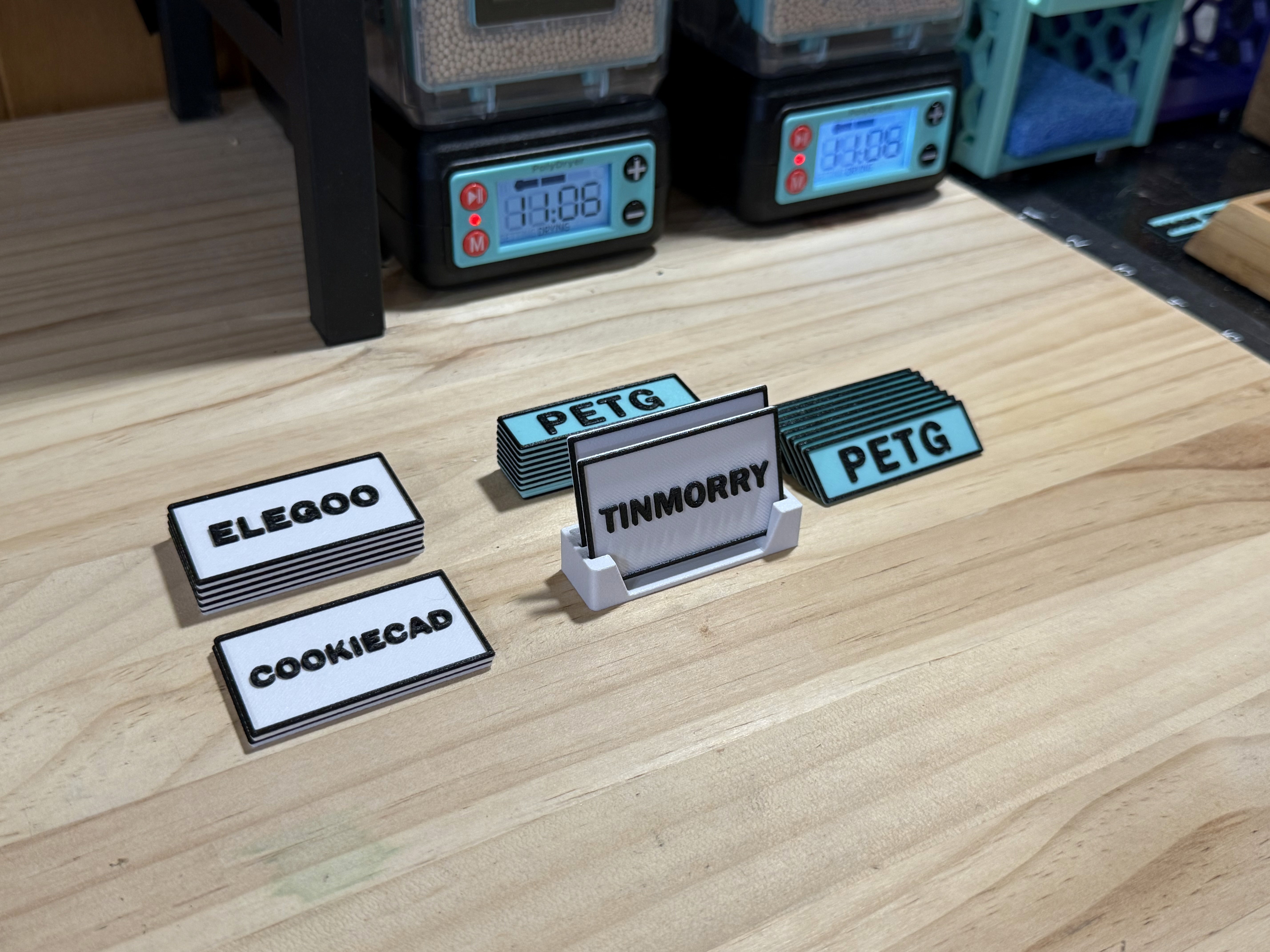
Labels are either a) Half or b) Quarter, so you can fill up a label holder with 2 halves, 4 quarters, or 1 half and 2 quarters. Choose from any of the premade brand, type, or finish labels in the 3MF file, or use one of the text blanks to add whatever you want.
Each insert object is broken up into the parts, a) backplate b) border c) text. I designed these so the border and text started on the same layer, so printing labels only resulted in a single layer change if you make the border and text the same color. Personally, I like the boarder because it separates the label from the other labels, so it's easy to see brand, type, finish. But you can choose to not use the border if you want.
Part #4 - Blank Spacers
Filament like PLA Basic, could take (2) quarter labels, leaving you with empty space in the holder. You can take any label and flip it around, or print off some of the blank spacers to inserts into the holder so the labels don't jiggle around. Or, if you're in a hurry, just grab a blank and a permanent marker to write on what you want.
Part #5 - Label Holder
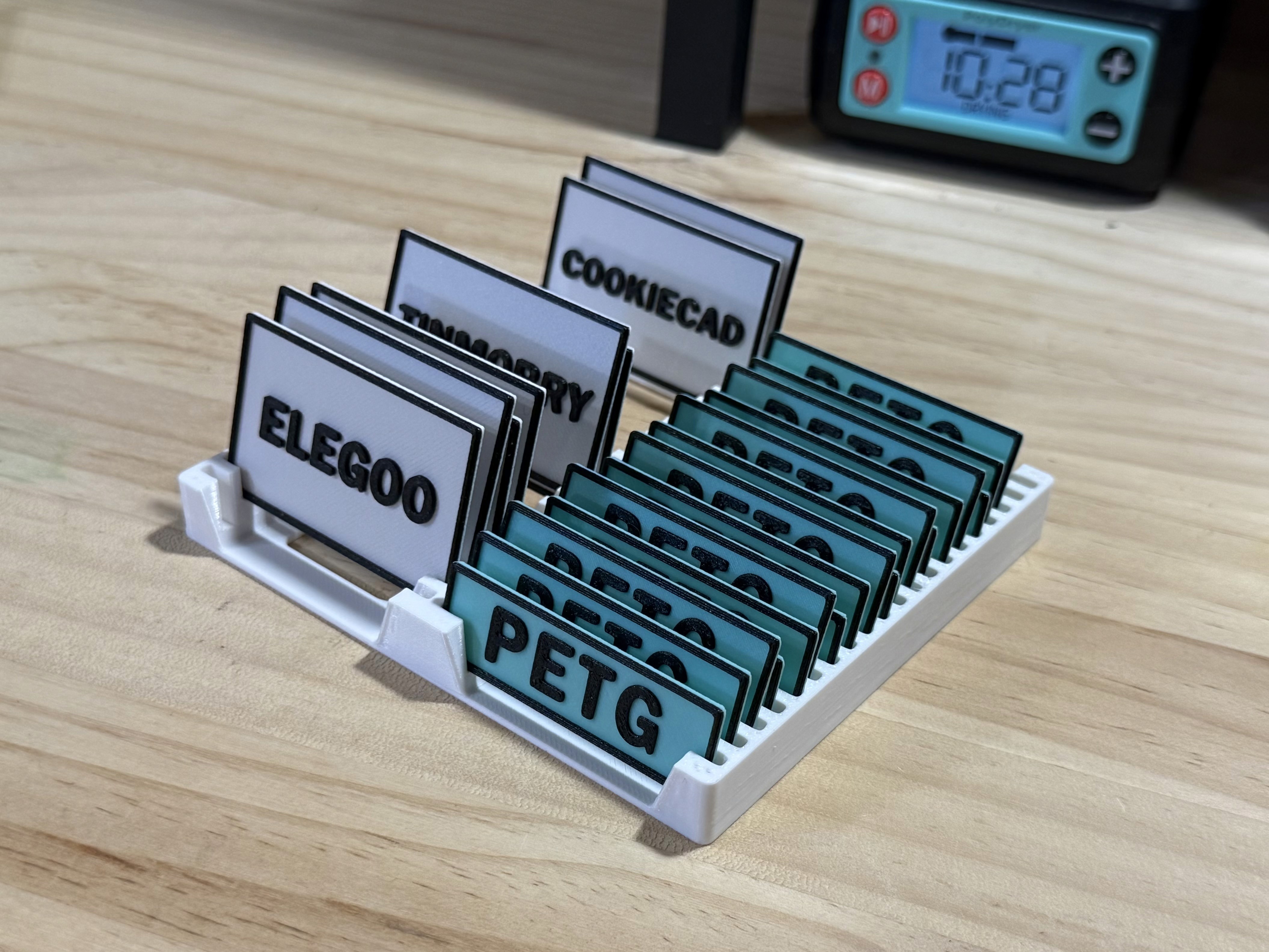
Simple label holder for keeping close or in a drawer so swapping in new labels is easy. If I'm honest, this could be designed better XD. Needs a little more space between each label. But alas, it's fine..
To get started, download the 3MF and open in your slicer of choice. I have a bunch of premade labels for popular brands, types, and finishes. For a more custom approach, I've included .step files for everything.